I’ve had the new OS on the iPad for about a week, so it’s time for a quick review:  the upload went smoothly enough, but the installation kludged up at the synching of the files, requiring me to unplug the iPad from the computer and restart the later.  The iPad, meanwhile, figured out it could go ahead and fire up.  The installation takes a while — don’t worry about the iPad seeming to just sit there near the end of the loading bar for about 5 minutes.  From what I can tell on the various bulletin boards around the net, it’s normal.  There are some issues with iTunes deleting your music library reported; I didn’t have this problem.

The upgrade seems to have improved performance across the board.  The device is running faste r and smoother than I anticipated with one exception to the rule: Mail.  I have a gmail and two Comcast accounts the iPad taps and this seems to confuse the hell out of it if i get a fair amount of mail on any of the accounts.  The unified inbox is nice.

Multitasking:  it works.  Well.  I’ve had Safari and mail open pretty much constantly, but have also had various programs up and running at the same time, including GT Racing.  No slow downs.  For the gamer crowd out there, the PDF Reader, Pages, and Diceshaker programs, when open together let you swap back and forth between them very quickly: double tap the home button, tap the icon of the program you want and you swap back and forth speedily.  This was the improvement that made the iPad the perfect GM tool.

The downside — it does draw more battery power.  The one niggling complaint: you can’t just close out the app; you have to go to the home screen (one tap on the button), then double tap to get the multitasking bar up so you can shut down the app you were just in.  There might be another way and I haven’t stumbled on it, yet.

Air Print:  Disappointed! No, you can’t print to any printer not “Airprint enabled”, which means shitty HP products.  They’re supposed to be bringing more printers online, but I wouldn’t get your hopes up if you run anything not HP.

Folders:  In iTunes drag the app icons together to form folders based on “Entertainment: or what have you.  I like the ability to clean up my screen and group items, like games, together.  It just means you don’t get to do the cool swipe between home screens as much to impress your friends and people ogling the iPad.

Battery life:  multitasking draws off a few hours of run time on the iPad.  Not unexpected, but if you’re on a long international flight, you might want to invest in that Kensignton iPad battery/cover thingee I’ve seen on eBay — it’s supposed to add another 5 hours and a pound or so to the weight.  I’m just making sure that for long trips I’ve only got one program at a time up and running.

Overall, this was a serious improvement on the iPad, but if I’m anything to go by, Mail needs a serious update to run smoother.  I can’t wait to see the iPad2 come spring…
I’ve got to say, when I first started playing with the Macbook Air, I wasn’t certain I was going to be too thrilled.  I love the size, weight, and the marathon battery life…but I’m not as enamored of the graphic interface as I am Windows 7.  I can’t get my favorite word processor suite (WordPerfect) for Mac, but I can use Open Office 3 to open the old .wpd files.  I’ve been using Pages, which has some very nice features, but I miss being able to configure a button bar in my word processor so I could shortcut everything as I want it.

I’m not a fan of Apple’s lock-it-down mentality, between iTunes trying to take over everything (and not talking to my iPad from time to time) and iPhoto — I can see where this OS is very popular with people who don’t want to delve into how the computer works, what its doing, or where its putting files.  That aside…

I love this bloody thing!  So far, the fan has kicked on twice since I’ve had it:  once was during an upload for Acrobat Pro 9.  The other, not surprisingly, was while running Flash video.  (Yes, Flash eats battery life [supposedly knocking almost a third your battery time on the Air] and processing cycles — even on my Dell!)  The computer is fast enough for most things I do, and I’ve only gotten the beach ball of doom twice — during the iTunes/iPad snafu last week and Acrobat load.  The screen is bright, crisp, and I have used it outside in full sunlight without issue.  It runs cool, and usually noiselessly thanks to the SSD hard drive.  I got around the lack of an optical drive with the external SuperDrive, I’m using a USB thumbdrive for media I don’t want to clog the 128GB SSD with, and I really appreciate the 12-14 second boot time from off to up and running.

As an aside, I have left Flash off of the machine (it doesn’t ship with it; you have to download it), and instead use this workaround when I want to watch Flash video:  I boot up Google Chrome (it has a Flash extension) and watch the clip in question.  I then shut down Chrome, killing the Flash process, and getting back my processing and memory cycles.

So the verdict after 2 weeks with the Macbook Air 13″:  It’s a damned good laptop that looks fantastic and works very very well.  Is it worth the $1300 or so the girlfriend paid for it?

Yes.

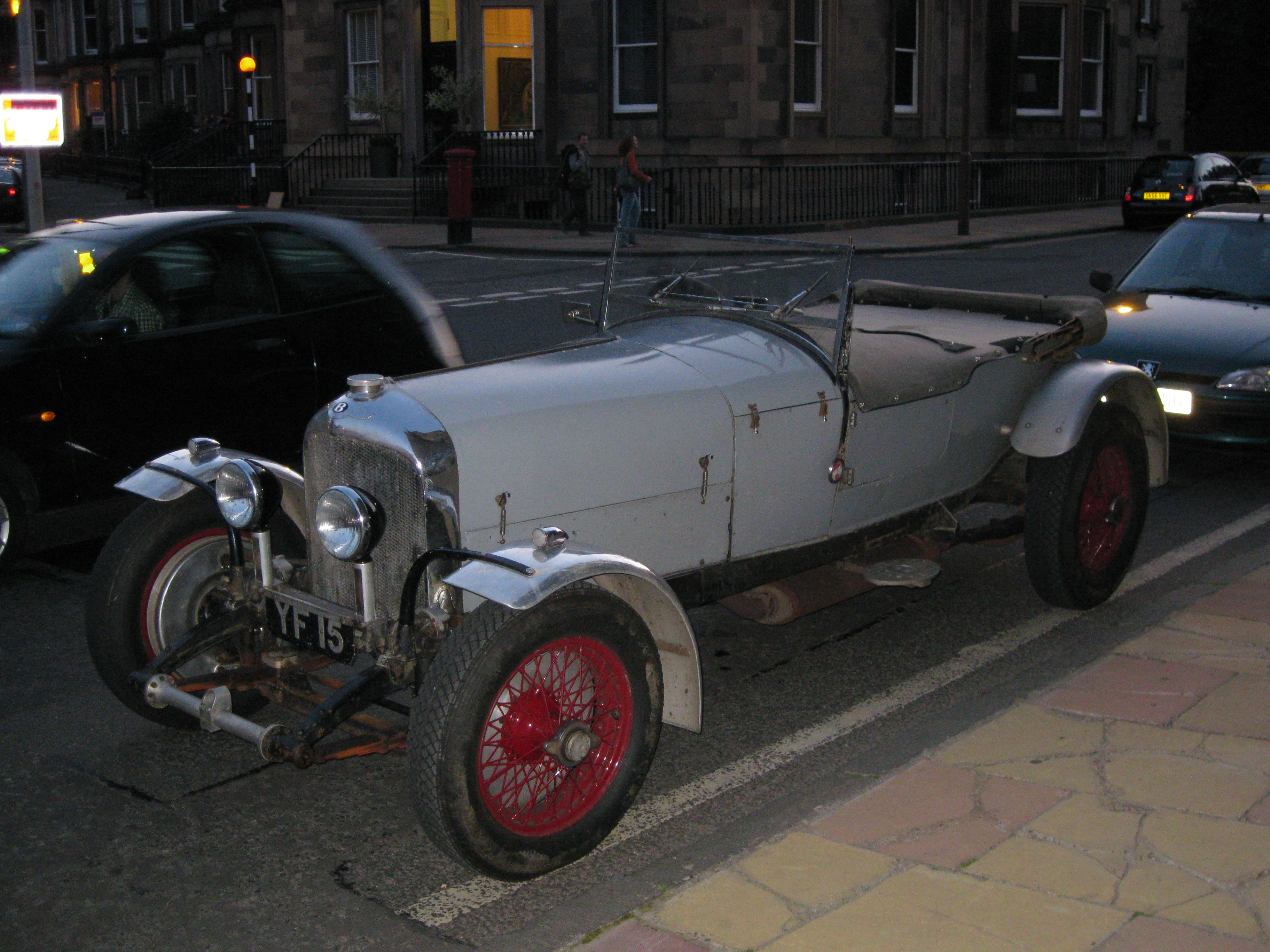
Here’s what I’m pretty certain is a 1928-ish Bentley 4 1/2 or 6 1/2 Litre Touring I saw outside of St. Mary’s Cathedral in Edinburgh:

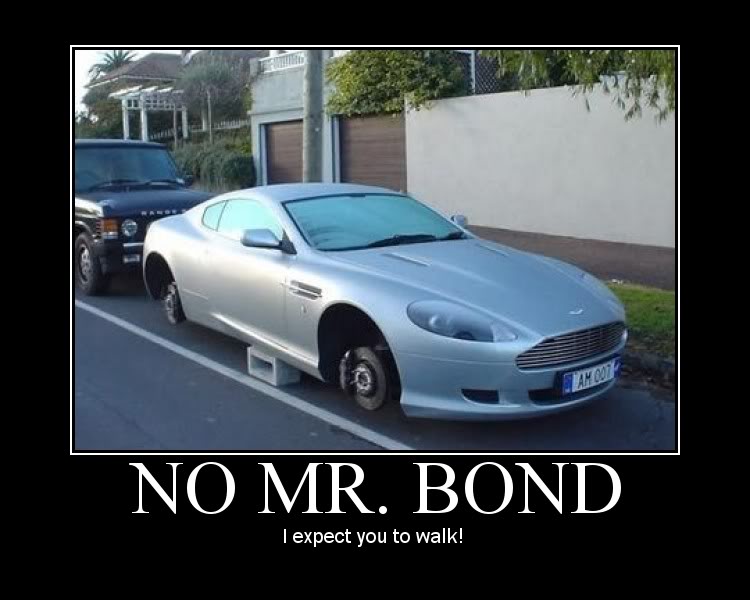
Some game stats…just because:

For Hollow Earth Expedition — Size: 2   Def: 6   Str: 8   Speed: 90   Han: +2   Crew: 1   Pass: 3   Cost: $5000 (£1000)

For James Bond: 007 — PM: 0   RED: 4   CRUS: 50   MAX: 90   RNG: 180   FCE: 3   STR: 8

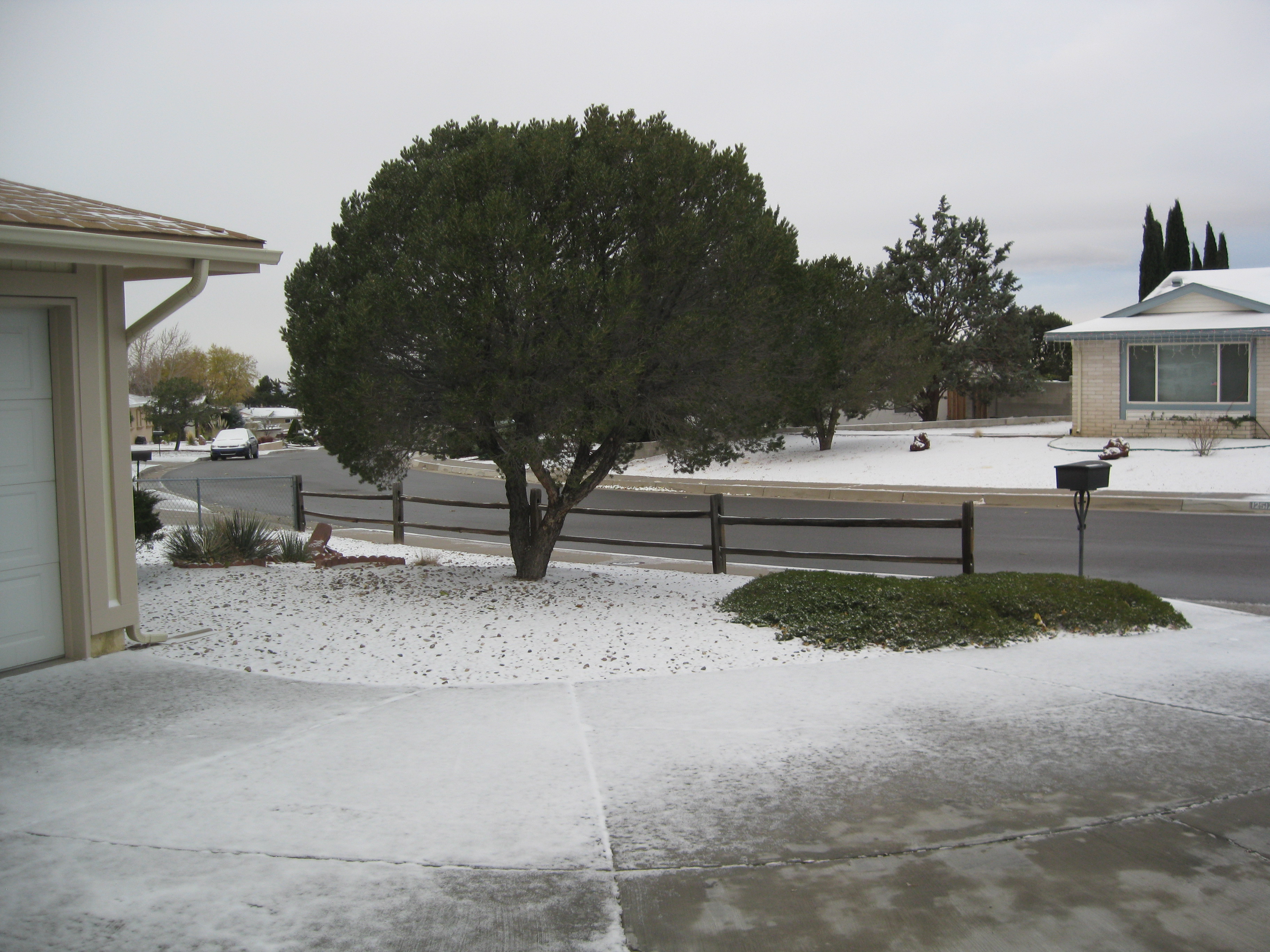
…from cold and snowy Albuquerque:

I’ve heard of this movie a few times int eh past, but finally happened to read about it as i was thinking about ordering up Eastern Promises, which I’ve yet to see.  It’s a 1967 film by French directorJean-Pierre Melville, and it’s arguably the inspiration for most of the assassin-on-the run movies of the past 40 years.  You can see elements of teh storyline in movies such as the Bourne series and The American, as well as Ronin and Collateral.

It follows a 48 hour period in which Jef Costello, a dapper, laconic, and very capable hit man commits a murder of a club owner (and we can assume crime figure), only to be spotted by the lounge piano player and a few other patrons.  He is arrested in a sweep of the usual suspects and the police superintendent homes in on his right away, despite a well-planned alibi and the pianist refusing to identify him.

Released, his employers — worried about his arrest and the police interest — try to kill him.  Costello spends the rest of the movie trying to lose the police tails he has, and stay alive long enough to find his double-crossing employer.

There’s tropes from this movie that get tapped for crime movies that followed it:  the beautifully-dressed, handsome assassin that is a hollowed out shell until he meets that one girl (the pianist, in this case); there’s the double-cross by his employers, the cat and mouse games with police and other assassins.  In the Paris of this movie rains almost as much as Ridley Scott’s future Los Angeles.  (Costello and Deckard have a very similar feel to their characters.)  And there’s the last hit gone bad due to his change of heart about the job.

The movie is a bit slow moving and modern action fans might find it drags, but it’s worth a look.


I’ve been urging people to not fly.  My girlfriend was able to stop a business trip for herself and three others because of concerns regarding the backscatter scanners and the sexual assault enhanced pat-downs.  If you have to fly, do everything you can to make the experience as horrible for the TSA as you can:  call them names, pretend like this is your favorite thing (getting groped), maybe ask if they can finger them back…you know, to be fair.

Write your Congressmen and senators.  Write the ACLU.  Write the airlines.  Tell them you will not fly and you will not submit.  Because this is just the beginning, not the final destination, for what power these thugs want.

It’s been a truly annoying morning at Chez Rhymer — one of the worst offenders being my iPad.  The thing was refusing to synch with my laptop this morning.  iTunes (bloated crapware that it is) would find the device, start the synch, get through the backup, then hang on the synch.  The iPad would then go to sleep because of Itunes not responding.  iTunes, would then lock up because there was no iPad to find.  It did this repeatedly.

My steps:  change the charging/synch cable to another:  same issue.  Not the cable then.  I reinstalled iTunes — no change, BUT the warning I used to get when it would boot up asking if the firewall should allow it to get info from the internet stopped.

I take it down to the Apple Store.  Works just like you would expect a car at the shop to:  perfectly.  So now I’m thinking it’s a network/iTunes issue.

I head home and it synchs fine.  So I download the new iOS 4.2.  It stalls at the end of the install…while synching files again.  Sigh.  Now, iTunes goes nuts everytime I try to get it to talk to the iPad.  Finally, it synchs again and sets up my folders, etc. etc.  then stalls at the last minute, once again.

So:  not the cables.  No the network, because Safari and Mail are connecting fine at the same time.  Not the iPad, because after the update on the OS it’s working well (excellently, point of fact.)  So…once again, the issue for Apple hardware comes down to the bloated shitware that is iTunes.

So if you’re having problems, the fix seems to be perseverance, a lot of swearing (throwing things is optional), and in order — reload iTunes, restart the computer anytime there’s an issue with iTunes stalling, and probably some actively pummeling of your table/desk surface.  Or not buying a Mac.  (I didn’t have these issues with the Dell PC and iPad.)


Well, after 20 years of having a credit card, I’ve finally had my first experience in identity theft.  Some nimrod got a hold of my credit card number and tried to buy some software (a game app) online.  fortunately, USAA caught it immediately, shut the transaction down and alerted me, and now I’ve got no credit card until Wednesday.

This is the capper to an incredibly annoying morning in which I didn’t sleep particularly well, had issues with my iPad synching that led to a visit to the Apple Store (I wasn’t paying $30 to get help), only to have the device — in automotive style — synch up and work just fine.  I got rained on coming home on the motorcycle, then tried the synch at home.  It worked fine, until the 4.2 update crashed at the last second.  I can get it to synch, but there’s issues now with iTunes losing the connection to my iPad again.  The garbagemen had nicely scattered crap all over my driveway.  My cell phone dies in the middle of a call to set up the appointment to fix stuff broken by the movers.  Then the call about the credit card.

Apparently, it’s been too quiet a fortnight for me.